What's in it
- Tokens for colour, type, spacing and motion
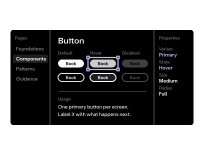
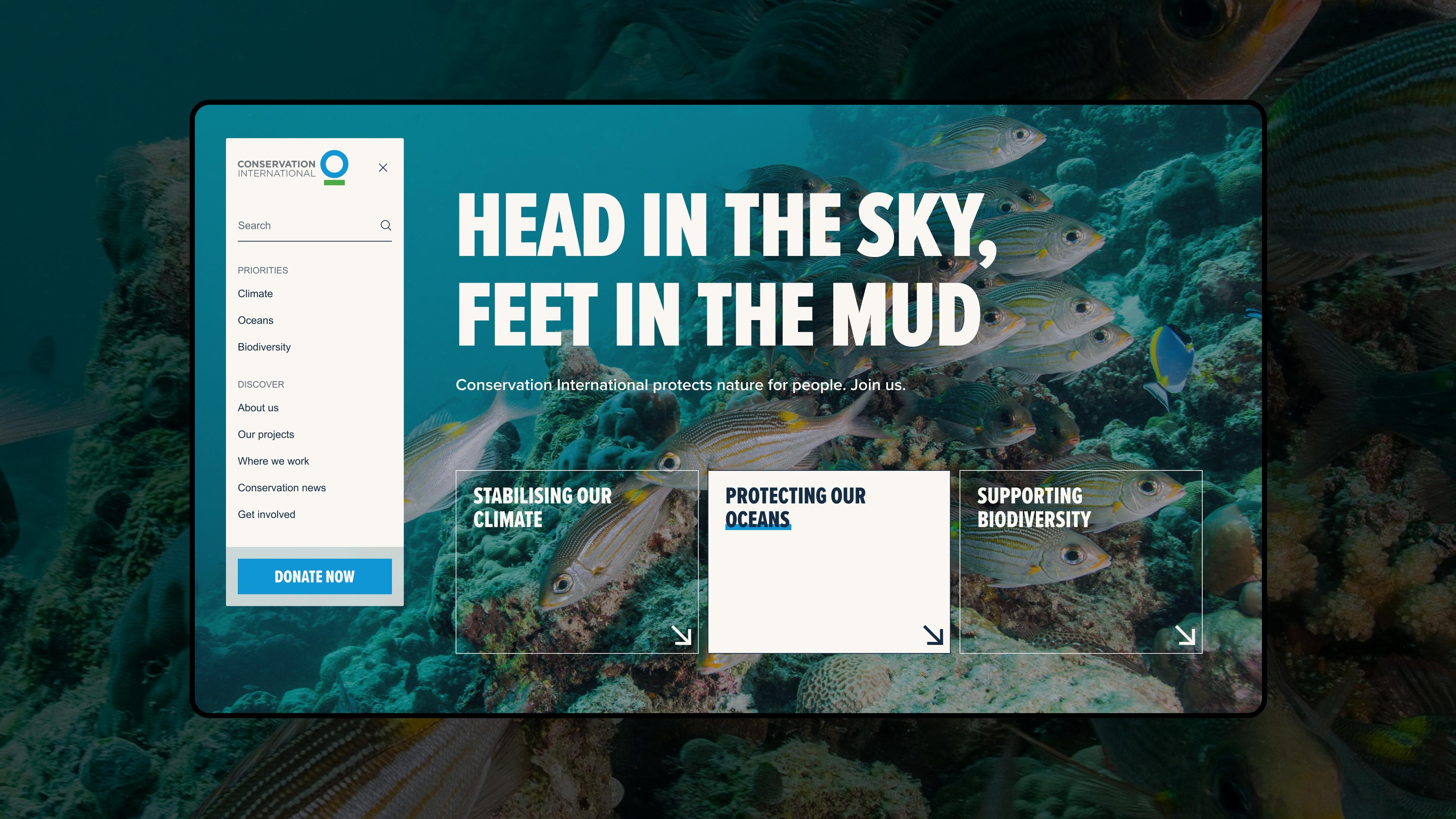
- Components, from buttons and form fields to navigation and page sections
- Patterns showing how components combine for common tasks
- Guidance on using each one, including notes on accessibility
How it's made
It is produced by design system development, usually alongside UI design on a website or product project. We draw the tokens and components from your brand and from the screens being designed, and document each one once it settles.
A coded component library is built from the same system at the same time, so the two match.
How you use it
Your designers start each new page or feature from it, and the decisions about colour, spacing and layout are already made. New designers learn your interface from the documentation, without waiting for someone to explain it.
It needs an owner on your team. Someone has to add new components, retire old ones and say no to one-off variations, or the system drifts apart.